blog
I can haz private intelligence?
Me gets them runnings, then aks them to draws my work in pictures
The good old days
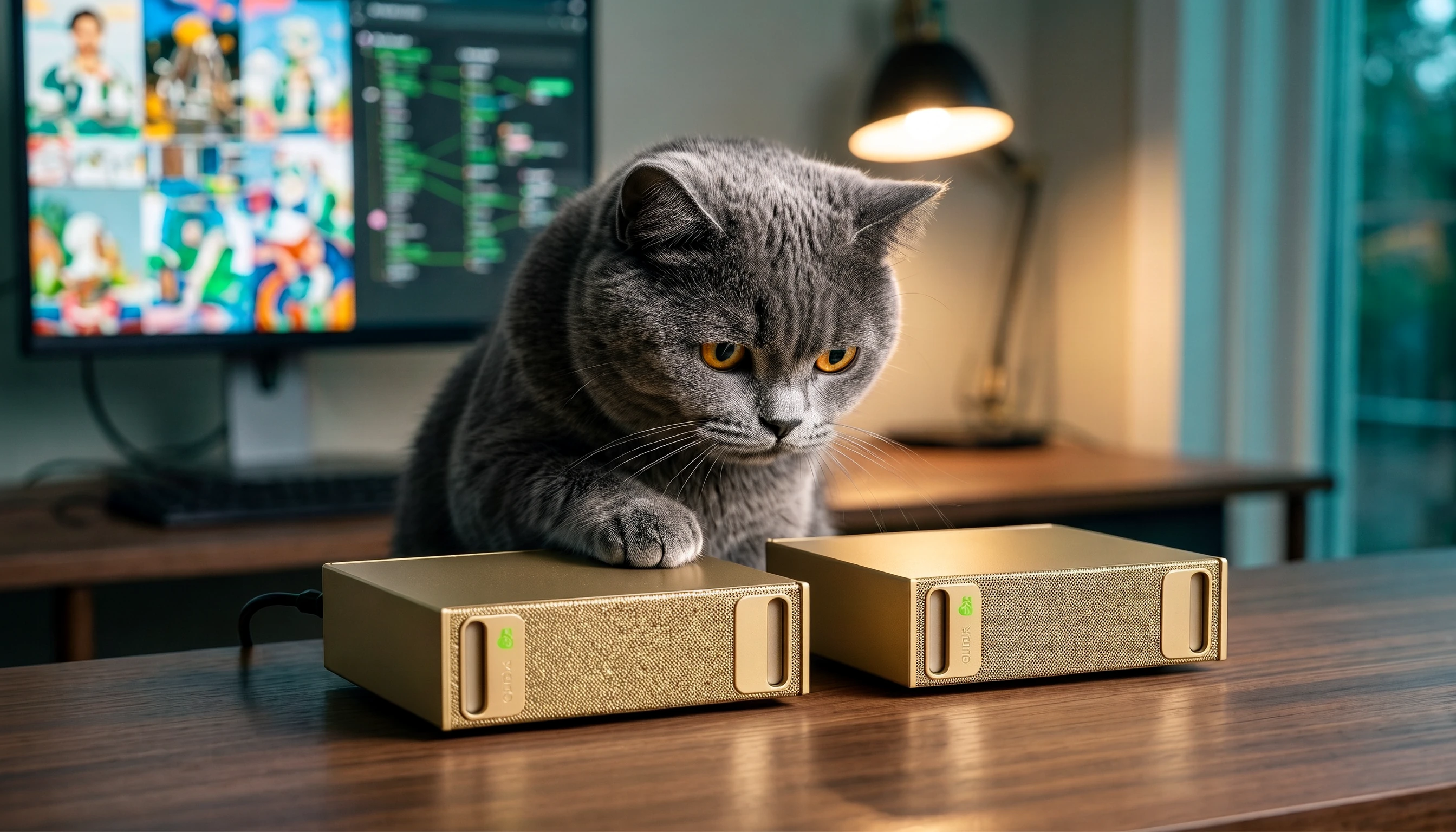
Who remembers the good old days when I can has cheeseburger was all rage? I spent so many of my waking hours going through all the funny memes the internet had to offer. The world has changed so much since then — now you can generate your own images of cats, cities, and whatever one can imagine, just by describing it to a machine. And we are spoiled for choice: head to openrouter.ai or any other service provider, try new models pay-per-usage, and pick from plenty of image and video tools on tap, including gpt-image, Google Nano Banana and much, much more.
The dark side of public inference
However, the main problem with all of these services is that any data you send to them is no longer private, in spite of whatever assurances they give. Take what happened at Cloudflare recently: a bug in the KV cache on their Workers AI stack leaked data across user sessions — 155 responses containing pieces of other customers’ sessions, over a couple of weeks in late August and early September, and no sophisticated hacker involved, just an engineering mistake! Imagine uploading your financial statements to a hosted model and a stranger’s session getting served your private financial details.
Or take the Cursor incident from October 2026 — an attacker got into a bucket of coding agent traces through an access key leaked by its inference vendor, stole credentials from it, and from there pushed a trojanized Claude Code extension into Cursor’s VS Code marketplace for about 11 hours, reaching at most 5,000 users. Prompts, support data, and customer details were all in the mix.
And it isn’t just the hosted services either — it’s also what AI-generated apps ship with. Crissy Field analyzed 159,041 Lovable projects and found 24,664 sending database records to the browser with no login required; 30% of those they inspected had tables full of email addresses. Some exposed passport numbers and payment details, others 200,000 chat messages. The pitch is “describe the app, we’ll build it” — the fine print is that somebody still has to check who can read the database afterwards. How much control do you really have once your data is inside someone else’s pipeline?
Not much, if any — which is exactly why I’ve always hesitated to upload any sort of private information such as credit card bills or personal images, even for something harmless like a trend. Like ChatGPT’s viral Ghibli effect — everyone was doing it, and I sat it out. The ’80s photo trend that was fashionable in India until recently, same story. I’m not pasting credit card bills or personal photos into a stranger’s server just to get a cute avatar out of it. So for a while I just… waited for the version of this that didn’t demand so much.
The machine I was waiting for
What I was waiting for was a machine that I owned 100% myself, one that could let me use some of this “artificial” intelligence without having to give up my privacy or my family’s data. Fortunately, NVIDIA launched the DGX Spark — a compact computer for local AI, with 128 GB of unified memory per box, shared between the processor and the graphics processor.
If you are curious about these devices, check out these videos:
DGX intro
Connecting two DGX devices
And for the longest time, I’ve been watching DGX Spark videos non-stop but never quite pulled the trigger on the purchase. Finally, on a pleasant day when I felt brave and adventurous, I gave in and ordered 2 of these beauties via naddod.com’s listing (I was lucky enough to snag these just a week or two before the prices went up).
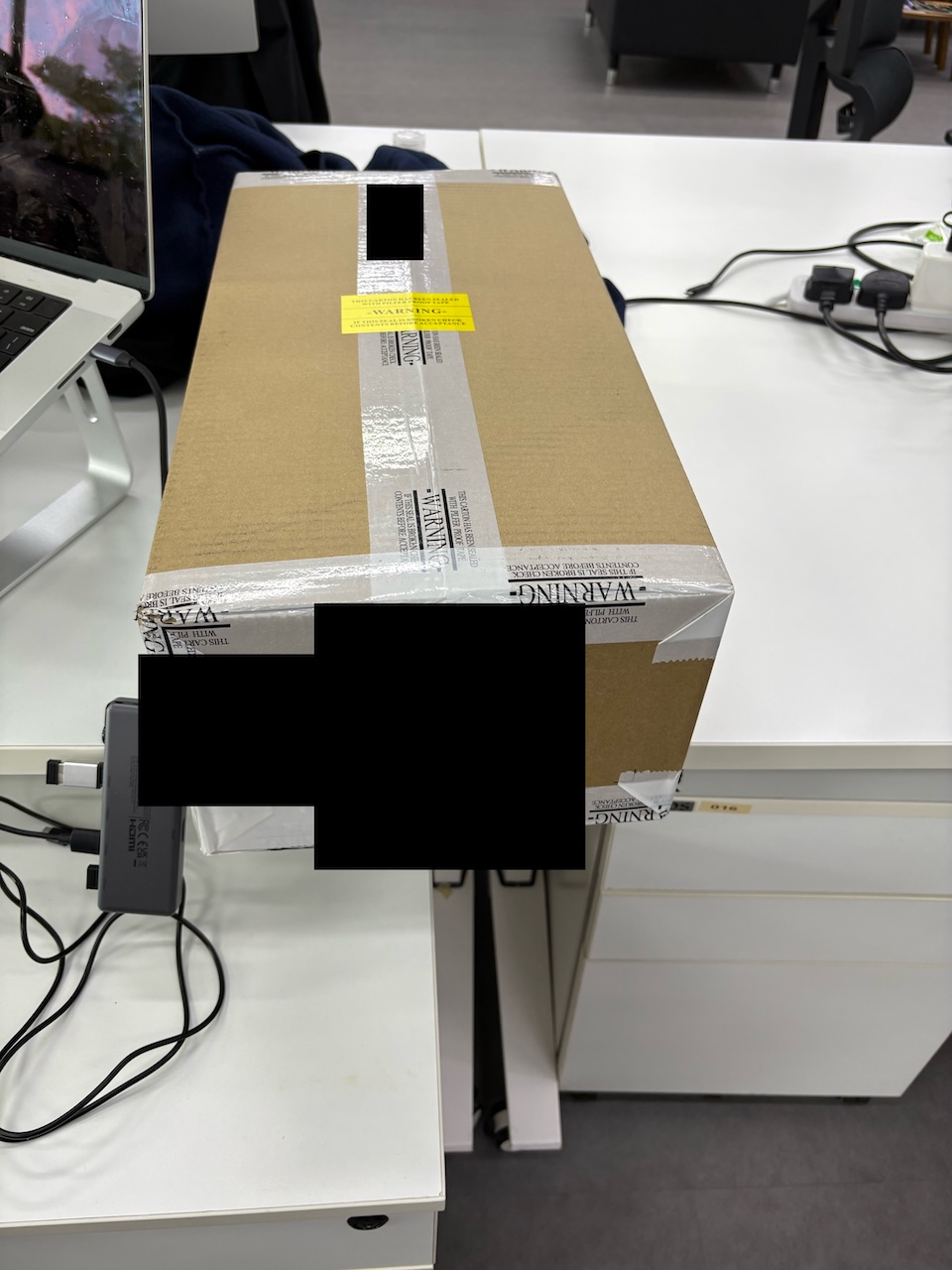
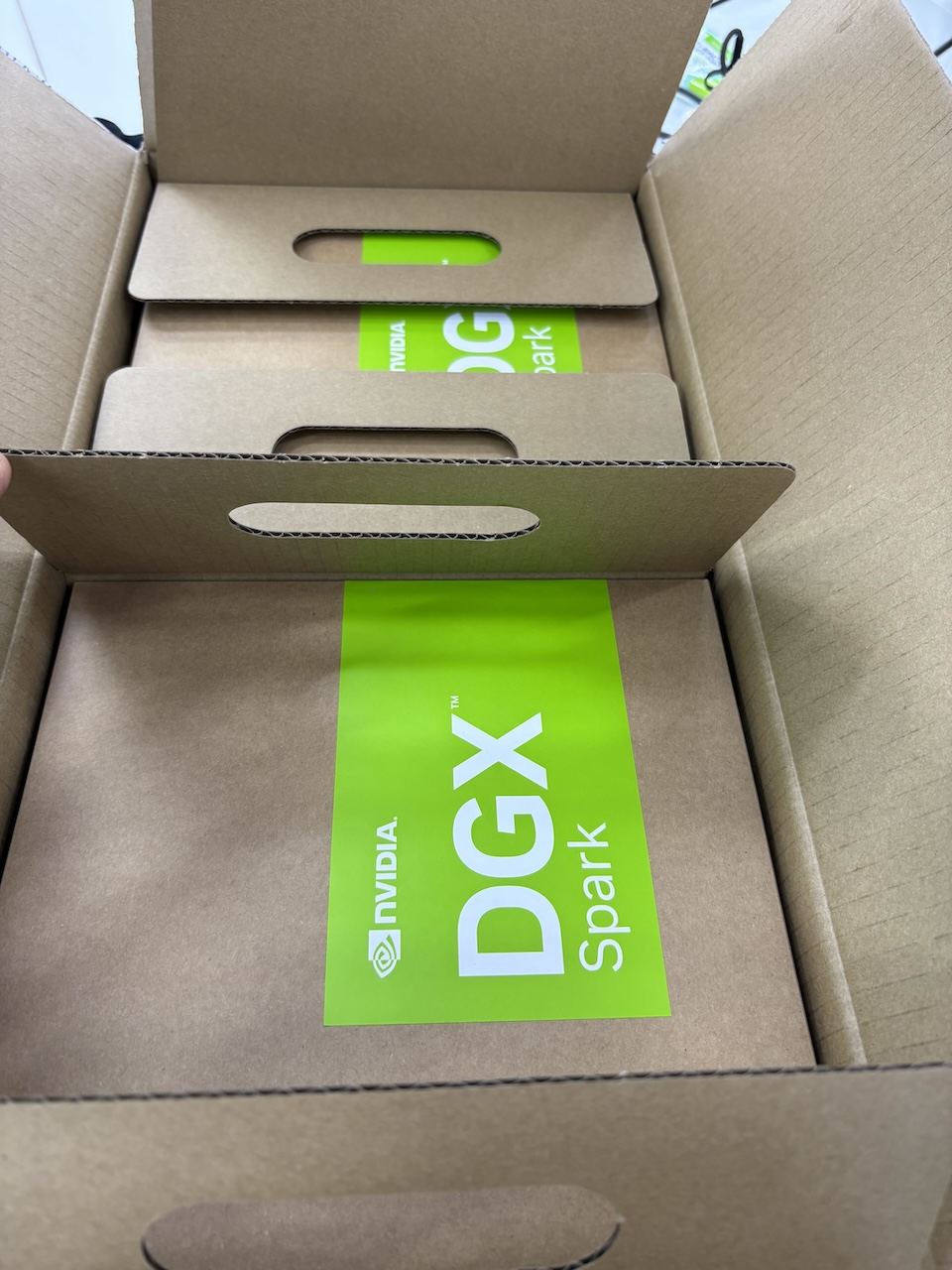
It is a great device and fits the bill in every way that matters to me:
- Private by default. Credit card bills, personal photos, anything with my name on it — it all stays on the machine. No logs on someone else’s server, no terms-of-service roulette, no “your data may be used to improve our models.”
- Multimodal, not just text. The same hardware that holds a big language model also runs image generation entirely locally — which is how this whole post started — and it keeps getting better across audio, video, and whatever ships next.
- Always on, always mine. No usage caps, no rate limits, no “model retired, please migrate.”

The joy of owning intelligence
After setting these up and making sure the devices were working, the first thing I wanted to try out was image generation. With the help of Codex, I downloaded and installed the following image generation models: Qwen-Image-2.1-Turbo, FLUX.2 Klein 4B, and Z-Image-Turbo. I ran a bunch of tests, and when the images finally came out, it blew my mind. Quite thrilling to own intelligence running on your own private device and have fun with it.
Being a heavy Codex user for the past couple of months, I wanted to visualize Codex’s impression of my working style so far.
Enter ComfyUI
Codex first wrote up a rough outline of its impression of my work. Then, with the help of ComfyUI, it generated the images from that outline. The first result was Ajay in images: a cover and twelve scenes. It opens with this:
You build systems, test what they do, protect work that is live, and still make room for wonder.
A generous description. I’ll take it.

You build tools and care for them after they start to run.
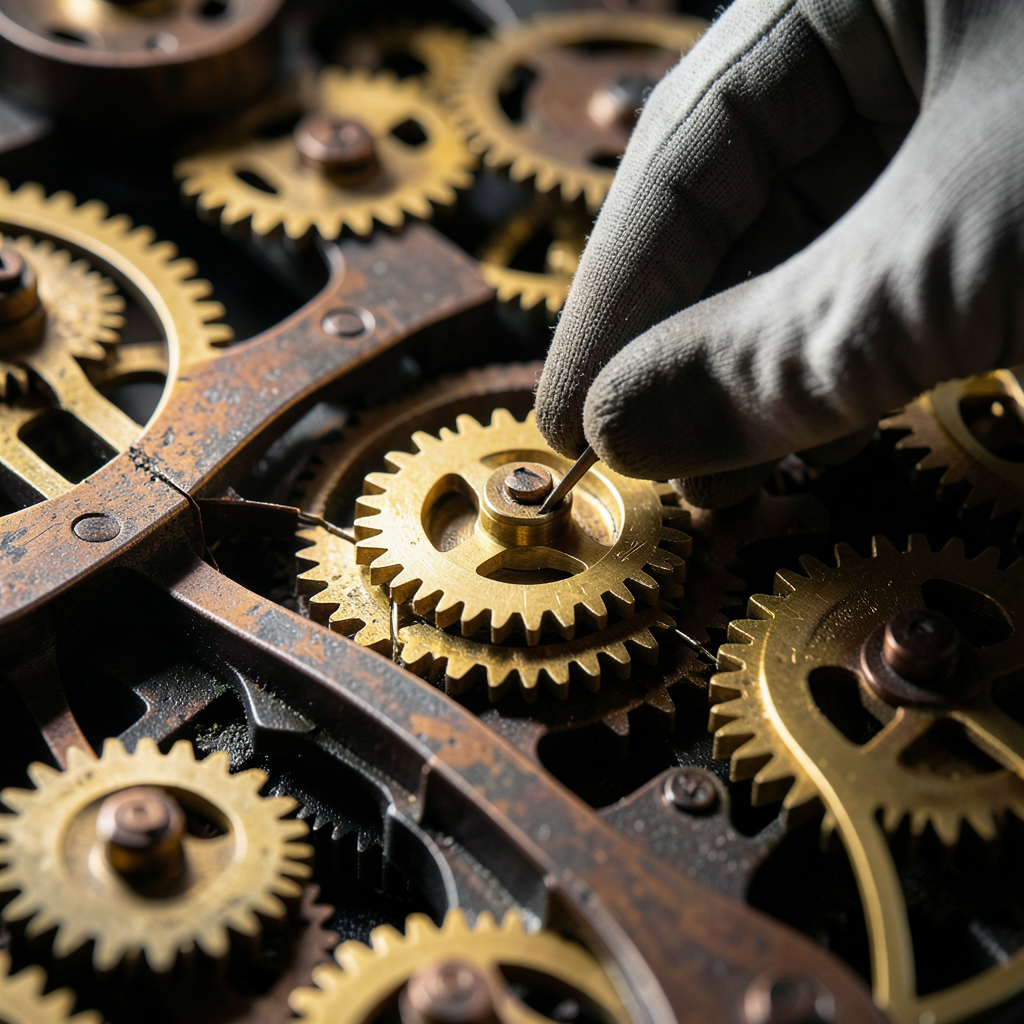
You fix the part that failed and keep the rest safe.
These two capture things I care about: maintaining what you build, and fixing a failure without disturbing everything around it.
See the complete gallery: Ajay in images →
Naturally, I asked for another set
I liked the first gallery enough to ask for a second one with different images. The Second Atlas has eleven images. The style changes from dark scenes and gold light to bright colours and paper worlds.

Each page opens into a place to explore. The same care guides the search, the plan, the repair, and the result.
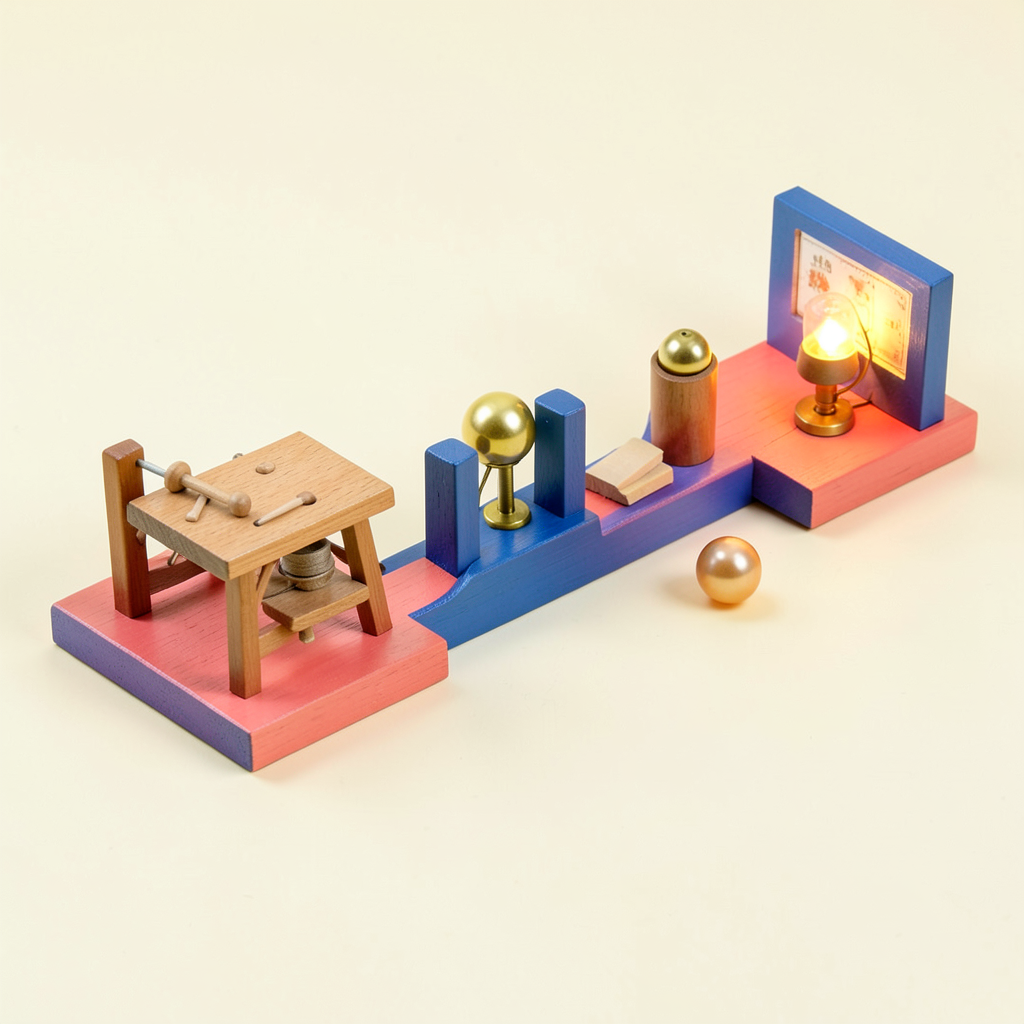
You check that one result reaches real use.
See the complete gallery: The Second Atlas →
For now
I’ve done more with the Sparks since then, but I’ll stop this first post here. This was a very satisfying start for me personally. In the next blog post, I will explain the current setup and what’s running on these two Spark devices. Until then: may your models stay loaded.
This article was written with the help of an AI agent, based on the work we did together. The opinions, edits, and final responsibility are mine.
References
- NVIDIA DGX Spark - NVIDIA’s compact computer for local AI
- DGX Spark Playbooks: ComfyUI - Setting up ComfyUI on DGX Spark
- Running CrewAI with Local Models: Observations and Insights - My earlier local-model experiments on a MacBook Air
- Ajay in images - The first gallery
- The Second Atlas - The second gallery